

If your Navien tankless water heater or boiler is throwing an error code, Navien Tech Support is your fastest path to a fix. This guide covers the real support number, actual hours, and step-by-step troubleshooting for the most common issues.
We’ll also clear up a common myth: many people search for “Navien 24 hour tech support,” but the real hours are more specific than that. Knowing the exact schedule saves you from calling into a closed line.
What Is Navien Tech Support?
Navien Tech Support is the manufacturer’s official technical assistance line for tankless water heaters, combi-boilers, and boilers. It’s staffed by live technicians, not automated bots or generic call centers.
Navien operates two dedicated support centers, one in Irvine, California and one in Moorestown, New Jersey. This coast-to-coast setup ensures faster response times regardless of your time zone.
Who Should Call Navien Tech Support
This support line is built primarily for the people actually working on the equipment.
- Licensed plumbers and HVAC technicians diagnosing a unit
- Homeowners who need help reading an error code
- Contractors requesting warranty claim guidance
- Installers troubleshooting a new setup
Navien Tech Support Phone Number
The official Navien tech support phone number is 1-800-519-8794. Once connected, select option 2 to reach the technical support team directly.
This is the same number used for both residential and light-commercial product lines. Keep your model number and serial number ready before calling, since technicians will ask for both immediately.
Other Important Navien Contact Numbers
Depending on your reason for calling, a different extension may serve you faster.
- Option 2: Technical support and troubleshooting
- Option 3: Warranty and labor claims department
- Fax: 877-841-8284 for labor claim documents
- Email: claims@navien.com for warranty paperwork
Is There Navien 24 Hour Tech Support?
Here’s the honest answer: Navien does not offer true 24/7 phone support. The line operates 363 days a year, but only during specific daily windows, not around the clock.
This is an important distinction. Searching for “Navien 24 hour tech support” often leads people to expect a line that never closes, which isn’t accurate.
Actual Navien Support Hours by Time Zone
Support hours are published clearly and vary slightly by day of the week.
Monday through Friday:
- Pacific Time: 5 AM – 5 PM
- Mountain Time: 6 AM – 6 PM
- Central Time: 7 AM – 7 PM
- Eastern Time: 8 AM – 8 PM
Saturdays and Holidays:
- Pacific Time: 5 AM – 1 PM
- Mountain Time: 6 AM – 2 PM
- Central Time: 7 AM – 3 PM
- Eastern Time: 8 AM – 4 PM
Sundays follow the exact same shortened schedule as Saturdays. The line is fully closed only on Christmas Day and New Year’s Day.
Why the “363 Days” Model Still Beats Most Competitors
Even without true 24-hour coverage, Navien’s schedule is unusually generous compared to other manufacturers.
- Coverage spans 7 days a week, including most holidays
- Two regional centers reduce wait times significantly
- Extended weekday hours cover early mornings and evenings
- Only 2 days per year are fully closed
Navien Tankless Water Heater Tech Support: What to Expect
When you call about a tankless water heater, the process is fairly structured. Technicians follow a diagnostic sequence designed to solve issues quickly.
Information You’ll Need Before Calling
Having these details ready cuts your call time significantly.
- Model number (found on the unit’s label)
- Serial number for warranty verification
- The exact error code displayed on the unit
- A brief description of when the problem started
What Happens During the Call
Navien’s technical team typically walks through a standard troubleshooting sequence.
- Confirming the error code and its likely cause
- Walking through basic reset procedures
- Checking gas pressure, venting, or water flow issues
- Escalating to a service ticket if the issue requires a technician visit
Live Remote Video Support: A Faster Alternative
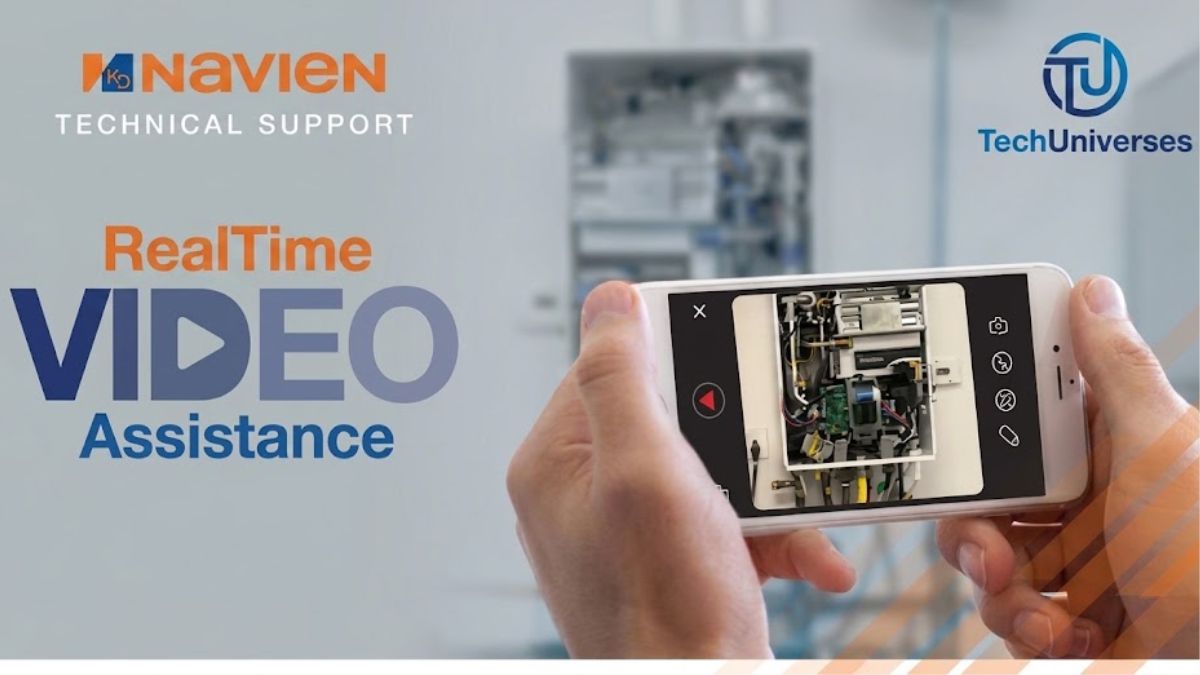
Beyond phone calls, Navien also offers real-time video support through an app called Visual Support. This tool lets you show technicians exactly what’s happening, rather than describing it verbally.
How Visual Support Works
The process is simple and works on both Apple and Android devices.
- Call Navien tech support and request video assistance
- Receive a unique code connecting your phone to a technician’s desktop
- Point your camera at the unit or error display
- The technician can pause video, draw on screen, and save photos
This feature is especially useful for homeowners unfamiliar with technical terminology. Sometimes showing a blinking light or panel is faster than explaining it.
Common Navien Error Codes and What They Mean
Understanding error codes before you call can speed up your troubleshooting significantly. Below are some of the most frequently reported codes.
E003: Ignition Failure
This is one of the most common Navien error codes, especially in cold climates. It means the unit tried to light the burner but failed.
- Check that the main gas valve is fully open
- In winter, inspect the exterior vent for ice blockage
- Confirm other gas appliances in the home are working normally
- If the code persists after a reset, contact Navien Tech Support
E004: Flame Loss or Water Pressure Issue
E004 typically points to unexpected flame loss during operation. It can also relate to water pressure irregularities depending on the model.
- Verify the water pressure gauge reads within normal range
- Check the flame rod for dirt or misalignment
- Inspect grounding on the main electrical connection
E012 and E016: Sensor or Filter-Related Errors
These codes are frequently linked to dirty filters rather than major component failure.
- Clean the air filter and water inlet filter
- Inspect sensor wiring for visible damage
- Reset the unit after cleaning, then monitor for recurrence
E030: Blocked Exhaust Vent
E030 signals a blocked or restricted exhaust vent, which is a safety-critical issue. Blocked venting can allow dangerous gas buildup.
- Clear any visible debris or obstruction from the vent pipe
- Never restart the unit repeatedly without checking the vent first
- Keep a carbon monoxide detector near any gas appliance
E046: High-Temperature Limit Switch
This code triggers when water temperature exceeds a safety threshold, typically around 197.6°F. It’s a protective shutoff, not a random malfunction.
- Inspect wiring on the high-limit control switch
- Look for detached or damaged wire connections
- Contact technical support if the switch requires replacement
E110: Exhaust Blockage (Common in Cold Climates)
E110 is closely related to E030 and is especially common during winter months. It almost always points to exhaust or venting problems.
- Inspect the vent termination point outdoors
- Clear ice or snow buildup carefully with warm water, never a sharp tool
- Reset only after the blockage is fully cleared
When to Call Navien Tech Support vs. a Local Technician
Not every issue requires a full support call. Some problems are safe for homeowners to check first.
Safe for Homeowners to Try First
- Power-cycling the unit after a single error code
- Cleaning visible filters if accessible
- Checking that gas and water valves are fully open
- Clearing visible debris from exterior venting
When You Should Call Immediately
- The same error code returns repeatedly after resetting
- You smell gas near the unit
- The error involves combustion, flame, or exhaust systems
- You’re uncertain about any step involving gas lines
Repeated resets on combustion-related codes like E003, E004, E012, or E030 rarely solve the underlying issue. If a code keeps returning, the unit almost always needs a proper diagnosis.
Tips for a Faster Navien Tech Support Call
A few small habits can dramatically reduce your time on hold and speed up your resolution.
- Call during off-peak hours, typically mid-morning on weekdays
- Have your model and serial number photographed and ready
- Write down the exact error code, including any sub-codes
- Note when the issue started and what changed recently
- Use the NaviLink app if installed, since it logs recent fault codes automatically
Why the NaviLink App Helps
Many newer Navien units are compatible with the NaviLink Wi-Fi module. This app logs up to 20 recent fault codes, giving technicians valuable history during your call.
Having this log ready can turn a long diagnostic call into a much shorter one. It’s one of the most underused tools available to Navien owners.
Warranty Claims Through Navien Tech Support
If your unit is under warranty, Navien Tech Support plays a direct role in the claims process. A licensed professional must first inspect the unit and report findings to the technical team.
Basic Warranty Claim Steps
- A licensed professional diagnoses the issue on-site
- They call Navien Tech Support at 800-519-8794, option 2
- Support issues an RGA number if a part or unit replacement is approved
- Replacement parts typically ship within 1 business day of approval
Homeowners generally cannot file warranty claims directly. A licensed installer or service provider must handle this step on your behalf.
Conclusion
Getting fast, accurate help from Navien Tech Support comes down to knowing the right number, the real hours, and a bit about your error code before you dial. Call 1-800-519-8794 and select option 2, keep your model and serial number handy, and you’ll cut your wait time significantly.
While it’s not truly 24-hour support, Navien’s 363-day coverage across two support centers still beats most competitors in the industry. Whether you’re dealing with an E003 ignition failure or just need warranty guidance, you now have everything you need for a faster, smoother call.