

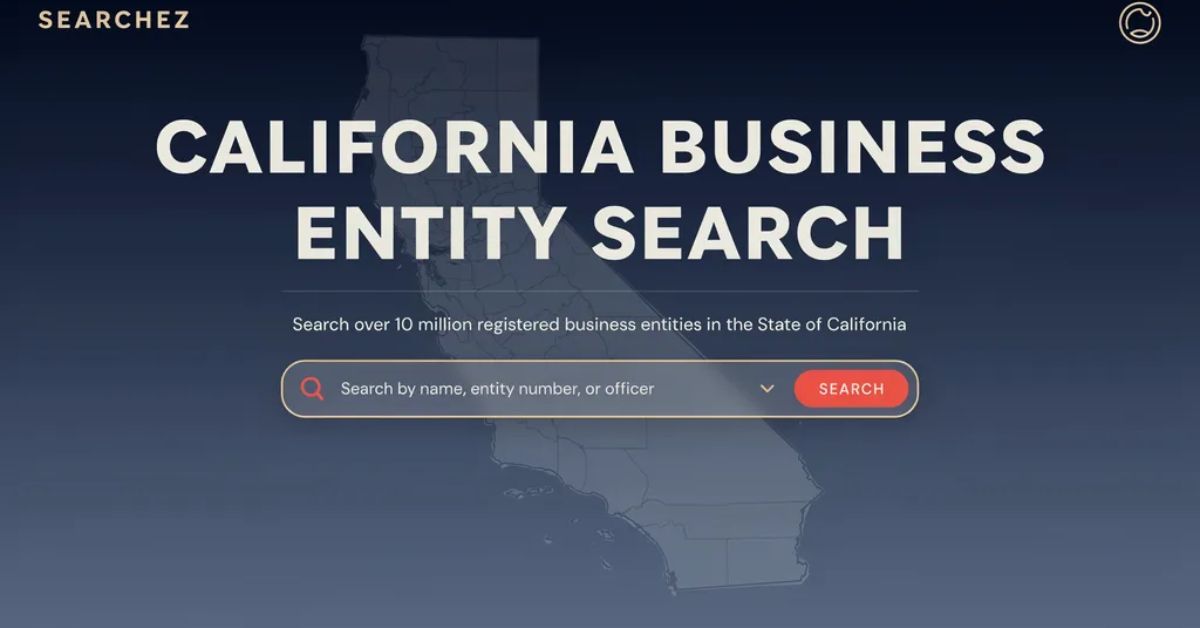
Trying to verify a company before signing a contract? A California Business Entity Search is the fastest, free way to confirm that a business is real, active, and legally registered in the state.
This guide walks you through exactly how to run a California Business Entity Search online, step by step. You’ll also learn how to read the results, avoid common mistakes, and understand what the search does — and doesn’t — cover.
Whether you’re a new entrepreneur checking name availability, an investor doing due diligence, or a vendor verifying a client, this tool puts official state records at your fingertips in under a minute.
What Is a California Business Entity Search?
A California Business Entity Search is a free public records lookup tool run by the California Secretary of State (SOS). It lets anyone search the official state database for registered businesses.
The tool lives inside the bizfile Online portal, California’s modernized filing and search system. It replaced the older paper-based lookup process in 2022.
This business entity search California tool covers records for:
- Corporations (both domestic and foreign)
- Limited Liability Companies (LLCs)
- Limited Partnerships (LPs)
- Limited Liability Partnerships (LLPs)
- General Partnerships that filed a statement with the SOS
- Out-of-state entities registered to do business in California
Importantly, it does not cover sole proprietorships or county-level “Doing Business As” (DBA) filings. Those are handled separately by individual county clerk offices.
Why You Need to Use the Secretary of State Business Entity Search
Skipping this step can be costly. Here’s why a secretary of state business entity search California matters before you make any business decision.
Key Reasons to Search
- Verify legitimacy: Confirm a company legally exists before signing contracts or extending credit.
- Check name availability: Ensure your desired business name isn’t already taken before you file.
- Confirm good standing: See if a business is active, suspended, or dissolved.
- Review filing history: Track a company’s formation date, amendments, and status changes.
- Find the registered agent: Identify who receives legal documents on the company’s behalf.
Skipping this check can lead to signing agreements with a suspended or dissolved entity. That mistake can create real legal and financial risk for your business.
How to Use the California Secretary of State Business Entity Search: Step-by-Step
Running a California SOS business entity search takes just a few minutes. Follow these five steps to get accurate, reliable results.
Step 1: Go to the Official bizfile Online Portal
Open your browser and navigate to bizfileonline.sos.ca.gov/search/business. This is the official and only accurate source for California entity records.
No login or account is required to search. The tool is completely free to use for basic lookups.
Step 2: Choose Basic or Advanced Search
Once on the page, you’ll see two search options.
- Basic Search: Enter a business name or entity file number for quick results.
- Advanced Search: Add filters like entity type, status, or filing date range to narrow results.
If you’re unsure of the exact spelling, Basic Search with a partial name usually works best.
Step 3: Enter Your Search Criteria
Type the business name into the search bar. You can search by full name, partial name, or the entity number if you already have it.
For advanced filtering, click the “Advanced” button. This lets you select search types like Exact, Begins With, or Contains.
Step 4: Review the Results Table
After hitting search, a results table appears showing key details. This includes the entity name, entity number, filing date, status, and entity type.
Scan this table for the exact match you’re looking for. Names can be similar, so double-check the entity number if multiple results appear.
Step 5: Open the Full Record for Details
Click on any entity in the results list to open its full record. This page shows the registered agent, principal address, jurisdiction, and complete filing history.
You can also download official filed documents directly from this page for many entities. This is useful for legal or compliance purposes.
Understanding Your California Business Entity Search Results
Reading the results correctly is just as important as running the search itself. Here’s what each field actually means.
Entity Status Explained
- Active: The business is currently in good standing with the Secretary of State.
- Suspended: The entity has lost its rights, powers, and privileges, often due to unpaid taxes.
- Dissolved: The business has formally ended its legal existence.
- Forfeited: The entity failed to meet ongoing compliance requirements.
The Dual-Agency Trap Most People Miss
Here’s a critical detail many people overlook. California runs a dual-agency standing system.
Both the Secretary of State (SOS) and the Franchise Tax Board (FTB) independently track a business’s status. This means an entity can appear “Active” in the SOS search while being suspended by the FTB for unpaid taxes.
Every California LLC, corporation, LP, and LLP owes an $800 minimum annual franchise tax to the FTB. LLCs earning over $250,000 in California-source income may owe an additional fee — sometimes up to $11,790.
None of this FTB tax information shows up in the standard California SOS business entity search. For complete due diligence, you should check the FTB’s entity status separately.
Common Mistakes to Avoid When Searching
Even with a simple tool, users often make avoidable errors that lead to inaccurate conclusions. Watch out for these common pitfalls.
- Treating results as a name reservation. The SOS explicitly states that search results are only a preliminary check, not a formal name availability approval.
- Ignoring name variants. Searching only one exact spelling can cause you to miss punctuation, spacing, or abbreviation differences.
- Assuming coverage of trademarks. This search does not check federal or state trademarks, service marks, or county fictitious business names.
- Forgetting cross-state name conflicts. A name available in California may already be trademarked or registered federally elsewhere.
- Overlooking FTB suspension. As noted above, always verify tax standing separately from SOS status.
Who Should Use This Tool Regularly?
The California Business Entity Search isn’t just for new business owners. Several groups rely on it as a routine verification step.
- Entrepreneurs checking if their desired business name is available before filing.
- Investors and lenders performing due diligence before funding a company.
- Vendors and contractors confirming a client’s legal status before signing agreements.
- Attorneys and accountants verifying entity details for legal or tax filings.
- Job seekers researching whether a potential employer is a legitimate, registered business.
Given how quickly business circumstances change, it’s smart to re-check important entities periodically. A company that was “Active” last year could now be suspended or dissolved.
California Business Entity Search vs. Other State Tools
It’s worth noting how California’s system compares to other states. California’s registry is one of the largest in the country, with millions of active entity records.
Unlike some states, California separates tax compliance (FTB) from entity filing status (SOS). This dual-agency structure makes California’s system uniquely thorough — but also easy to misread if you check only one source.
Frequently Asked Questions
Is the California Business Entity Search free to use? Yes. Basic searches on the bizfile Online portal are completely free and require no account registration.
Can I search by entity number instead of name? Yes. If you already know the entity’s file number, entering it directly in the search bar returns the fastest, most accurate result.
Does this search show a business’s tax status? No. SOS status and FTB tax status are tracked separately. You must check the Franchise Tax Board’s records independently to confirm tax compliance.
Can I download official documents from the search results? Yes, for many entities you can view and download filed documents directly from the individual entity record page.
Conclusion
Running a California Business Entity Search is one of the simplest yet most valuable checks you can do before any business decision. It takes only a few minutes but can save you from costly legal or financial mistakes.
Remember to always cross-check both SOS status and FTB tax standing for a complete picture. With bizfile Online’s free, user-friendly interface, verifying any California business has never been easier.