

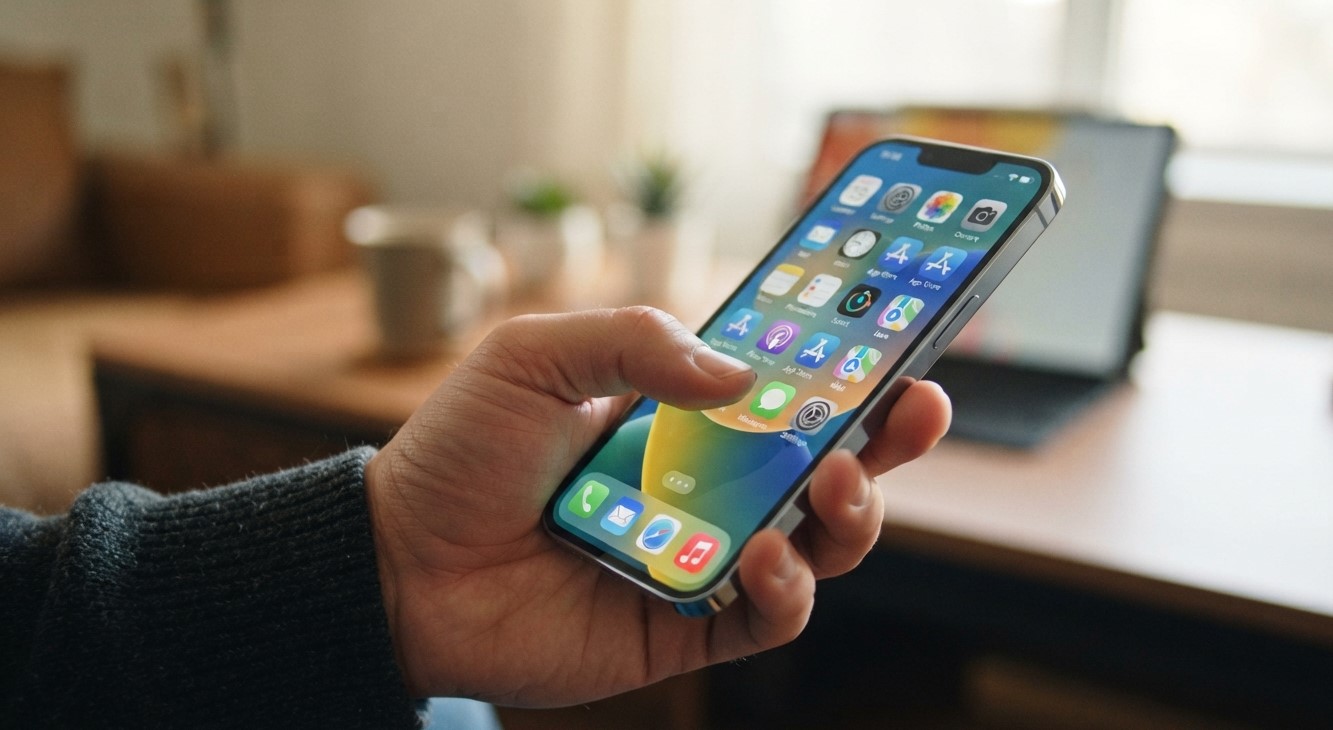
An iPhone touchscreen should respond quickly and accurately to taps, swipes, and gestures. However, some users notice delayed touch responses, missed taps, or sluggish screen performance after installing an iOS update. These problems can make everyday activities frustrating, especially when typing messages, opening applications, or navigating the phone.
At iPC Repair Houston, understanding common smartphone performance issues can help users identify possible causes and find appropriate solutions. Whether the problem is related to software, settings, or hardware, knowing what to check is an important first step. If you are searching for the best iPhone repair in Houston or dependable iPhone repair Houston services, this guide explains what may be happening and how to address it.
Table of Contents
- Why Does an iPhone Touchscreen Become Slow After an iOS Update?
- Common Signs of Touchscreen Performance Problems
- How to Fix a Slow iPhone Touchscreen
- When Should You Consider Professional Repair?
- Frequently Asked Questions
1. Why Does an iPhone Touchscreen Become Slow After an iOS Update?
Several factors can affect touchscreen responsiveness after installing new software.
1.1 Background Processes After Updating
After an iOS update, an iPhone may perform background activities such as indexing files, organizing photos, and synchronizing information. These processes can temporarily affect performance, particularly on older devices.
If the phone feels slow immediately after updating, give it some time to complete these activities.
1.2 Software Bugs and Compatibility Issues
A new iOS version may contain bugs that affect certain iPhone models or applications. These issues can cause delayed responses, screen freezing, or inconsistent touch recognition.
Installing a subsequent software update may resolve known problems.
1.3 Limited Storage Space
When an iPhone has very little available storage, certain system activities and applications may struggle to perform smoothly. This can contribute to overall sluggishness that feels like a touchscreen problem.
Removing unnecessary files and applications may help improve performance.
1.4 Changed Accessibility Settings
Touch-related accessibility settings can change how an iPhone recognizes taps and gestures. For example, Hold Duration within Touch Accommodations can intentionally delay touch recognition.
Reviewing these settings can help determine whether the delay is caused by configuration rather than a faulty display.
1.5 Screen Protector or Accessory Problems
A poorly fitted screen protector, moisture, dirt, or certain connected accessories may interfere with touch performance.
Removing the screen protector temporarily and disconnecting accessories can help identify whether an external factor is responsible.
1.6 Existing Hardware Damage
A damaged display or touchscreen digitizer may become more noticeable after an update, even if the update did not physically cause the damage.
Previous drops, pressure, liquid exposure, or internal component problems can contribute to inconsistent touch responses.
2. Common Signs of Touchscreen Performance Problems
Look for these symptoms:
- Delayed response when tapping applications.
- Keyboard letters appearing after a noticeable pause.
- Swipes and scrolling feeling unusually slow.
- Certain screen areas failing to register touches.
- Applications freezing when using touchscreen controls.
- Random or inaccurate touch responses.
If the problem affects only one application, the app itself may be responsible. If it occurs throughout the phone, investigate the system or display.
3. How to Fix a Slow iPhone Touchscreen
Try these basic troubleshooting steps before arranging a repair:
Step 1: Restart Your iPhone
Restarting can clear temporary software glitches and refresh system processes.
Step 2: Clean the Display
Use a soft, lint-free cloth to remove fingerprints, moisture, and dirt. Make sure the screen is completely dry.
Step 3: Remove the Case and Screen Protector
Temporarily remove accessories to check whether they interfere with touch recognition.
Step 4: Check for Another iOS Update
Open Settings, select General, and tap Software Update. Install an available update after backing up important information.
Step 5: Review Touch Settings
Go to Settings → Accessibility → Touch. Review Touch Accommodations and Haptic Touch settings to make sure their options are configured as intended.
Step 6: Check Available Storage
Open Settings → General → iPhone Storage. Remove unnecessary downloads or applications if storage is nearly full.
Apple also recommends restarting the device, cleaning the screen, disconnecting accessories, and removing cases or screen protectors when touch response is inconsistent. https://support.apple.com/en-gb/102567
4. When Should You Consider Professional Repair?
If your touchscreen remains slow after troubleshooting, professional inspection may be necessary.
Consider getting your iPhone checked when:
- Certain areas consistently fail to respond.
- The display freezes repeatedly.
- Touch problems continue across different applications.
- The phone has experienced a drop or liquid exposure.
- Restarting and software troubleshooting do not help.
A technician can examine the display assembly, touchscreen digitizer, internal connections, and other possible hardware causes.
5. Frequently Asked Questions
Q1. Why is my iPhone touchscreen slow after an update?
Temporary background processes, software bugs, limited storage, or changed settings may contribute to slow touch response.
Q2. Will restarting my iPhone fix touchscreen lag?
It may resolve temporary software glitches. However, persistent problems may require further troubleshooting or professional inspection.
Q3. Can an iOS update damage my touchscreen?
An update does not physically damage the display. However, software bugs may affect touch performance, while existing hardware problems can become more noticeable.
Q4. Can a screen protector cause delayed touch response?
Yes. A poorly fitted or damaged protector may interfere with touch recognition. Removing it temporarily can help identify the cause.
Q5. When should I get professional iPhone repair?
If the touchscreen continues missing taps, freezing, or responding inconsistently after basic troubleshooting, consider professional diagnosis.
Get Professional iPhone Repair Assistance in Houston
A slow touchscreen after an iOS update can result from temporary software activity, incorrect settings, storage limitations, or an existing hardware problem. Identifying the actual cause is important before deciding on a repair.
If troubleshooting does not restore normal performance, iPC Repair Houston is an option to explore for assistance with smartphone problems. If you are looking for the best iPhone repair in Houston, professional inspection can help determine whether your device needs software troubleshooting or hardware repair.