

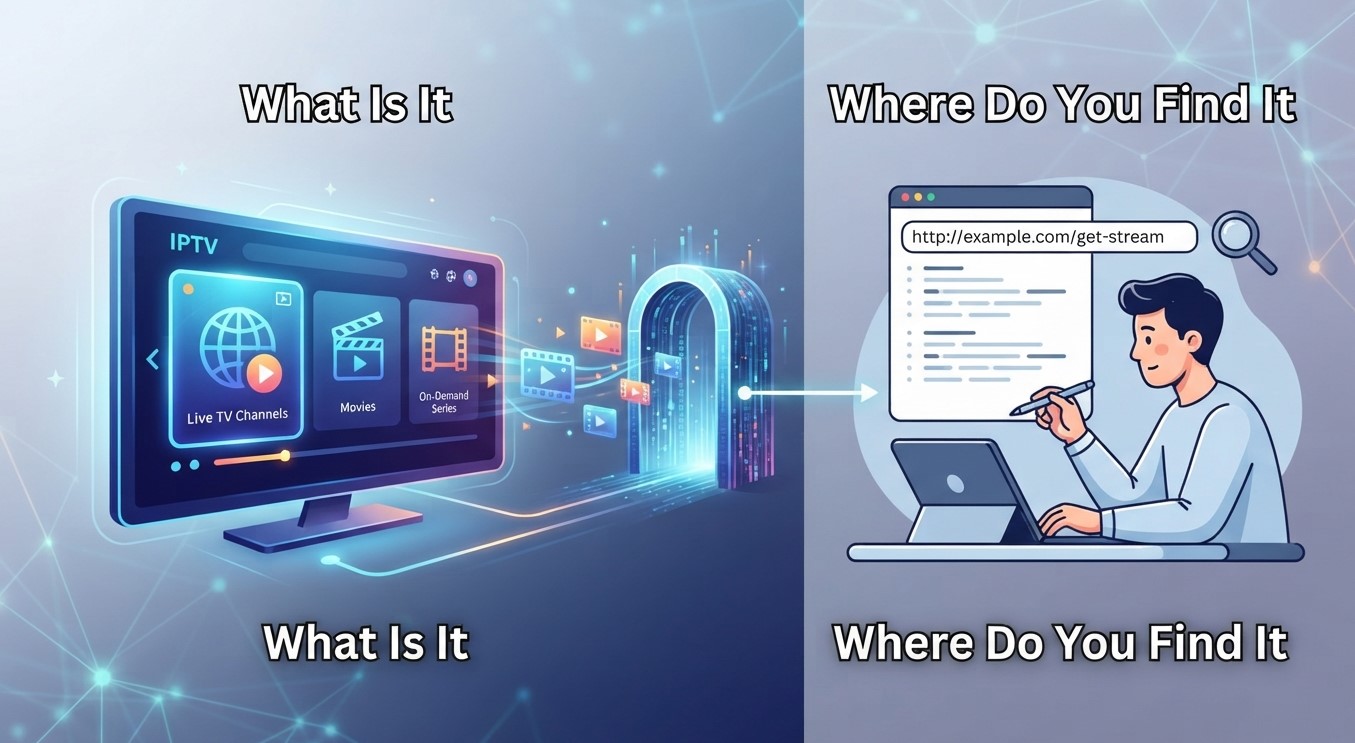
When setting up an IPTV application, you may be asked to enter an IPTV Portal URL before accessing television channels or other streaming content. For beginners, this term can seem confusing, especially when different applications require different connection details.
An IPTV Portal URL helps compatible applications connect to a provider’s streaming platform. It may be used to load channel information, account details, and available content, depending on the service and application.
If you are exploring the Best IPTV options, understanding what a portal URL is and where to find it can make the setup process easier. This guide explains everything you need to know.
Table of Contents
- What Is an IPTV Portal URL?
- How Does an IPTV Portal URL Work?
- Where Can You Find Your IPTV Portal URL?
- IPTV Portal URL vs. M3U Playlist URL
- How to Enter an IPTV Portal URL
- Common IPTV Portal URL Problems
- Tips for Using an IPTV Portal Safely
- Frequently Asked Questions
- Final Thoughts
1. What Is an IPTV Portal URL?
An IPTV Portal URL is a web address used by certain IPTV applications to connect to a provider’s platform or streaming service.
Depending on the system, the portal may help an application retrieve information such as:
- Available television channels
- Channel categories and groups
- Electronic Program Guide (EPG) information
- Video-on-demand listings
- Account or device connection information
Some IPTV systems use portal-based connections, while others rely on M3U playlists, Xtream Codes API credentials, or different authentication methods.
A portal URL is not necessarily the same as a regular website address. It is usually intended for a compatible IPTV application.
2. How Does an IPTV Portal URL Work?
An IPTV Portal URL acts as a connection point between a compatible application and the provider’s platform.
The process generally works as follows:
- Provider Information: The IPTV provider supplies the required portal address.
- Application Setup: The user opens a compatible IPTV application.
- Portal Configuration: The portal URL and any required login details are entered.
- Authentication: The application verifies the account or device, depending on the system.
- Content Loading: The application retrieves available channel information and supported content.
- Streaming: The user selects an available program to watch.
The exact process varies depending on the provider’s technology and application requirements.
3. Where Can You Find Your IPTV Portal URL?
If your IPTV application requests a portal URL, there are several places where you may find it.
Check Your Welcome Email
After subscribing, some providers send setup instructions containing portal information, login credentials, or connection details.
Visit Your Provider’s Account Dashboard
Some IPTV services display connection information in a customer account area. Look for sections such as setup instructions, device configuration, or subscription details.
Contact Customer Support
If you cannot locate the portal URL, contact your provider’s official support team. They can confirm whether your subscription uses a portal-based connection and provide the correct information.
Review Official Setup Guides
Some providers publish installation instructions for compatible applications and devices. These guides may explain where to enter the portal address.
Important: Not every IPTV Service uses a portal URL. If your provider supplies an M3U playlist or another connection method, follow those specific instructions instead.
4. IPTV Portal URL vs. M3U Playlist URL
Although both are used for IPTV setup, portal URLs and M3U playlist URLs serve different purposes.
| Feature | IPTV Portal URL | M3U Playlist URL |
|---|---|---|
| Main purpose | Connects to a provider platform | Provides a list of media stream references |
| Setup | Entered in compatible portal-based apps | Loaded into playlist-compatible players |
| Content information | Retrieved through the provider’s system | Listed through playlist information |
| Compatibility | Depends on portal support | Depends on M3U support |
The correct option depends on the connection method supported by your provider and application.
5. How to Enter an IPTV Portal URL
If you have received a valid portal URL, follow these general steps:
- Install a compatible IPTV application from a trusted source.
- Open the application.
- Find the portal, device connection, or account setup section.
- Enter the portal URL exactly as provided.
- Add any required username, password, or device information.
- Save the settings and allow the application to connect.
- Check whether your available content loads correctly.
Avoid changing parts of the URL unless your provider instructs you to do so. Even a small typing error can prevent a successful connection.
6. Common IPTV Portal URL Problems
Here are some common problems and possible solutions.
Invalid Portal URL
Check for spelling mistakes, missing characters, or unnecessary spaces.
Authentication Failed
Verify your username and password, and confirm that your subscription is active.
Portal Not Connecting
Check your internet connection and make sure the provider’s service is available.
Content Not Loading
Restart the application and try refreshing the connection.
Unsupported Application
Confirm that your IPTV player supports the portal connection method used by your provider.
If the issue continues, contact official customer support rather than trying random portal addresses found online.
7. Tips for Using an IPTV Portal Safely
Your portal URL and login credentials may provide access to your subscription, so protect them carefully.
- Obtain connection details only from your provider.
- Never share portal URLs or passwords publicly.
- Avoid suspicious websites offering free portal access.
- Use applications from trusted sources.
- Review the provider’s privacy and security policies.
- Confirm that the provider has the necessary content distribution rights.
These precautions can help protect your account and reduce exposure to unreliable services.
8. Frequently Asked Questions
Is an IPTV Portal URL the same as an IPTV website?
No. A portal URL is generally a connection address for compatible IPTV applications, while a regular website is designed for browser access.
Can I find my IPTV Portal URL in my subscription email?
Yes, some providers include portal information in welcome emails or setup instructions.
Does every IPTV provider use a Portal URL?
No. Some providers use M3U playlists, API credentials, or other connection methods.
Can I use one Portal URL on multiple devices?
It depends on the provider’s account rules, device limits, and application compatibility.
Why is my IPTV Portal URL not working?
Possible reasons include an incorrect address, expired subscription, authentication problems, server issues, or an incompatible application.
Is it safe to share my IPTV Portal URL?
It is better to keep it private because it may be connected to your account or subscription access.
9. Final Thoughts
An IPTV Portal URL is an important part of certain IPTV setups because it allows compatible applications to connect to a provider’s platform. Knowing where to find it and how to enter it correctly can make installation much easier.
Before choosing the Best IPTV option, check its supported connection methods, application compatibility, customer support, privacy policies, and content authorization. These details can help you select an IPTV Service that meets your requirements.
Explore SmartiFilix
Interested in exploring IPTV subscription options? Visit SmartiFilix to review its available plans, features, and setup information. Check which connection methods and devices are supported before subscribing.
Learn more at SmartiFilix.